TL;DR
For watching videos from a PC on a Meta Quest 3, Skybox is my personal pick. Install it on both ends and they connect; 8K is smooth, and scrubbing/seeking feels responsive.
Why I chose Skybox
How I feel about a few common VR players:
- HereSphere: the most advanced, with the finest controls, but it takes some time to learn the interface and shortcuts.
- DeoVR: also fine, clean interface, but I’m already used to Skybox’s rhythm and can’t go back.
- Skybox: intuitive to operate, with automatic stereo-mode detection (180 / 360 / 2D / 3D).
PC streaming (AirScreen)
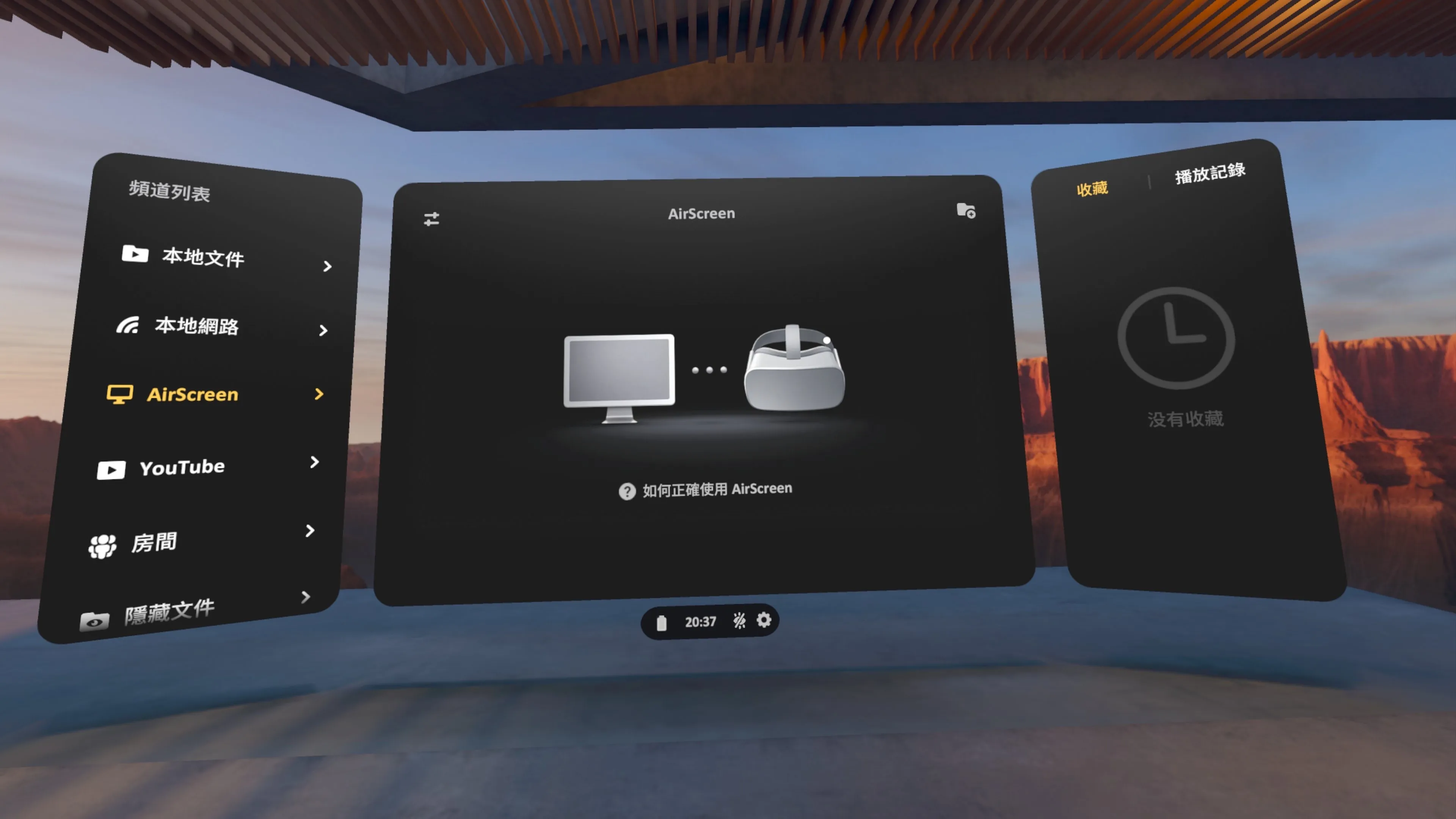
Install the Skybox PC Client on your PC (free download at skybox.xyz) and drop your videos in; on the Quest, open Skybox, switch to AirScreen, connect, and it plays right away. Skybox also supports plain SMB / DLNA sharing, but AirScreen takes the least setup.
Thoughts
- Drop an 8K video onto the PC and it opens smoothly on the Quest 3.
- It handles a wide range of formats: AV1, MP4, MKV, MOV, TS, WEBM — whatever I download, it plays.
It’s a $9.99 USD one-time buy, in use since 2016 and still getting updates. My first pick for watching videos; scrubbing and switching are reasonably convenient, and after trying other apps I haven’t found anything better.
FAQ
Q: How much is Skybox? $9.99 USD one-time, no subscription, in use since 2016 and still updated.
Q: How do I watch videos from my PC on a Quest 3? Install the Skybox PC Client on the PC and drop videos in; on the Quest, open Skybox and switch to AirScreen to connect and play. It also supports SMB / DLNA, but AirScreen takes the least setup.
Q: Which video formats does Skybox support? AV1 / MP4 / MKV / MOV / TS / WEBM all work, and it auto-detects 180 / 360 / 2D / 3D.